



Secure Cloud Backup

Backups That Have Actually Been Tested

A backup that has never been restored is not a backup. It is an assumption. SBIT Solutions provides automated, encrypted cloud backup for Brisbane businesses, covering servers, workstations, line of business applications and Microsoft 365. We monitor every backup job, chase the failures, and test restores on a schedule so you find out the data is recoverable before you need it.

Data loss rarely announces itself. It arrives as a failed drive, a deleted folder nobody admits to, a corrupted database or ransomware that encrypted the file server overnight. In each case the question is the same and it gets asked under pressure. How far back can we go, and how long will it take? We make sure you already know the answer.

What Our Cloud Backup Service Includes

Minimises downtime and IT-related disruptions

Automated, encrypted backup

Data is encrypted before it leaves your network and stays encrypted in storage. Backups run to a schedule with no action needed from your staff.

Ensures predictable IT costs and budgeting

Verified restore testing

We periodically restore data from your backups to confirm it works. You get the result in writing. This is the step most providers skip.

Provides faster issue resolution with proactive monitoring

Microsoft 365 protection

Email, SharePoint, OneDrive and Teams data backed up separately from Microsoft. Most businesses assume Microsoft does this for them. It does not, at least not in the way people expect.

Monitored every day

Failed backup jobs generate an alert to our team, not a line in a report nobody reads. We chase the failure and fix the cause.

Data stored in Australia

Your backups are held in Australian data centres, which matters for privacy obligations, client contracts and anyone asking where your data lives.

Offers peace of mind through continuous oversight

Rapid file and full system recovery

Restore a single deleted file, a mailbox, or an entire server, depending on what has gone wrong.
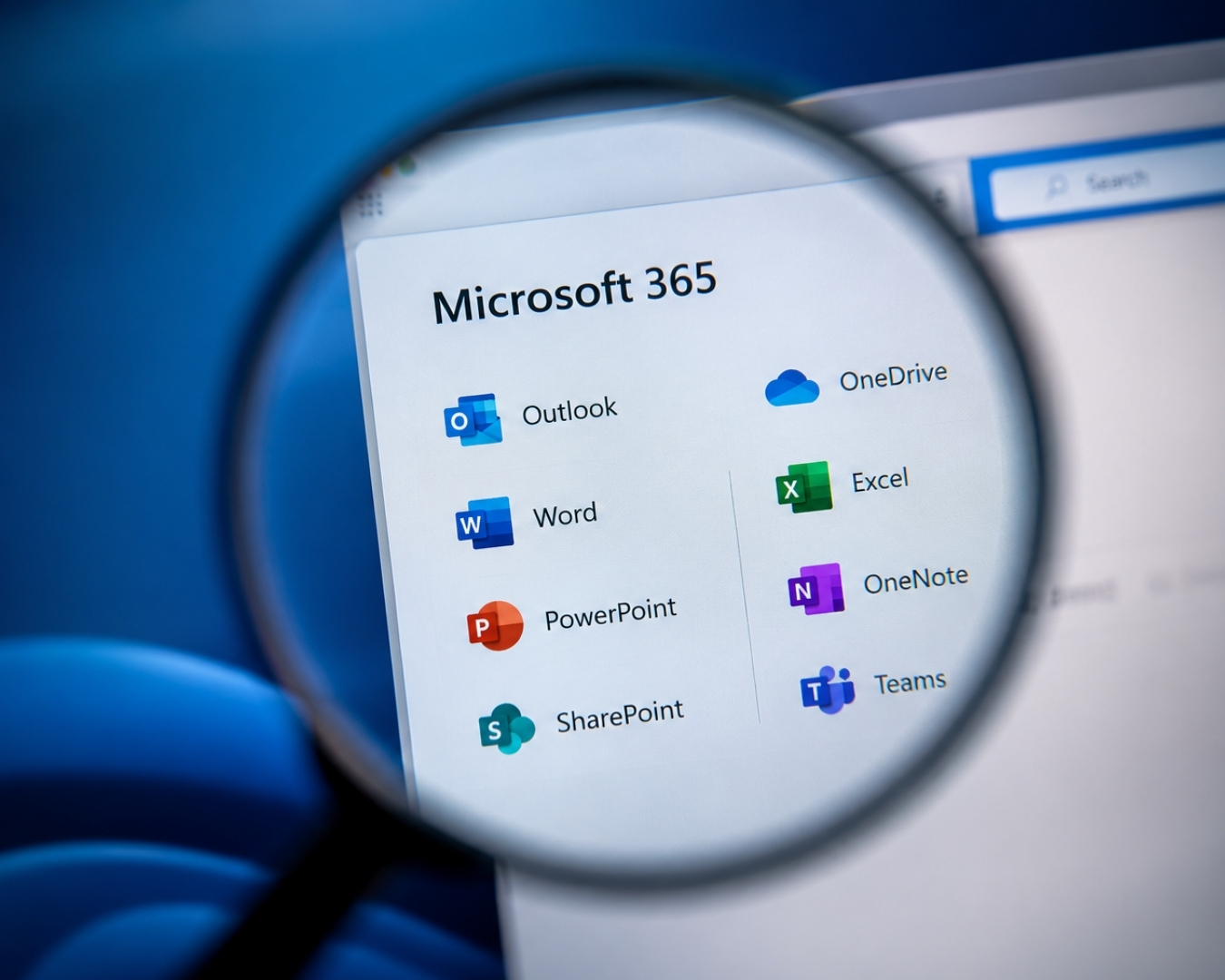
Microsoft 365 Is Not Backed Up the Way You Think

Microsoft operates a shared responsibility model. Microsoft keeps the service running. Your data inside it is your responsibility. Deleted items and retention policies cover a limited window, and once that window closes the data is gone, including anything removed by a departing staff member or encrypted by ransomware that reached a synced folder.


This surprises most businesses, usually at the worst possible moment. We back up Microsoft 365 separately, with its own retention, so a deleted mailbox from eight months ago is still recoverable.


Why this section earns its place: “is Microsoft 365 backed up” is a question people genuinely search and ask AI assistants, and most Brisbane MSP sites do not answer it clearly. [Likely] This is the kind of content that gets cited rather than ranked, which is increasingly where the traffic is.

How We Structure Your Backups

We follow the 3-2-1 principle, which is the accepted standard for data protection. Three copies of your data, held on two different types of storage, with one copy kept offsite. For most Brisbane businesses that means the live data, a local copy for fast restores, and an encrypted copy in an Australian data centre.

Where ransomware is a concern, we add immutable backups, meaning the offsite copy cannot be altered or deleted once written, including by an attacker with your administrator credentials.

Cloud Backup Questions From Brisbane Businesses

  • 01

    What is cloud backup?

    Cloud backup is a service that automatically copies your business data to secure offsite servers over the internet, so it can be restored if the original is lost, deleted, corrupted or encrypted by ransomware. It differs from cloud storage such as Dropbox or OneDrive, which syncs files rather than protecting them. If a file is deleted or encrypted in a sync service, that change copies everywhere. A backup keeps separate, dated versions specifically for recovery.

  • 02

    Is Microsoft 365 already backed up?

    Not in the way most businesses assume. Microsoft runs a shared responsibility model where Microsoft maintains the service and you remain responsible for your data within it. Retention periods for deleted items are limited, and once they expire the data cannot be recovered. A separate Microsoft 365 backup covers email, SharePoint, OneDrive and Teams with its own retention, so older deletions are still recoverable.

  • 03

    Where is our backup data stored?

    In Australian data centres. This matters for Privacy Act obligations, for client contracts that specify data sovereignty, and for anyone in your business who has to answer where company data is held.

  • 04

    How often are backups taken?

    This depends on how much data your business can afford to lose. A practice that books appointments continuously needs a shorter interval than an office that produces documents. We set the schedule around that tolerance, which is your recovery point objective, and we confirm it in writing.

  • 05

    Do you test that the backups actually work?

    Yes. We periodically restore data from your backups and confirm the result. An untested backup is an assumption, and assumptions fail at exactly the wrong moment. Testing is included in the service rather than charged as an extra.

  • 06

    How quickly can our data be restored?

    A single file or mailbox is usually restored within minutes. A full server restore depends on the volume of data and whether a local copy is available, which is why we keep one where it makes sense. We agree recovery times with you in advance so there is no guessing during an incident.

  • 07

    Does cloud backup protect us from ransomware?

    It is one of the strongest defences available, provided the backups cannot be reached by the attack. We hold offsite copies separately from your network and, where supported, use immutable storage that cannot be altered or deleted once written. That means a clean copy survives even if your live systems are encrypted.

When Did You Last Test a Restore?

If the answer is “I am not sure”, that is the answer. We will review your current backup setup, confirm whether the data is actually recoverable, and give you a written summary. No obligation.