



Backups That Have Actually Been Tested
A backup that has never been restored is not a backup. It is an assumption. SBIT Solutions provides automated, encrypted cloud backup for Brisbane businesses, covering servers, workstations, line of business applications and Microsoft 365. We monitor every backup job, chase the failures, and test restores on a schedule so you find out the data is recoverable before you need it.
Data loss rarely announces itself. It arrives as a failed drive, a deleted folder nobody admits to, a corrupted database or ransomware that encrypted the file server overnight. In each case the question is the same and it gets asked under pressure. How far back can we go, and how long will it take? We make sure you already know the answer.
Data loss rarely announces itself. It arrives as a failed drive, a deleted folder nobody admits to, a corrupted database or ransomware that encrypted the file server overnight. In each case the question is the same and it gets asked under pressure. How far back can we go, and how long will it take? We make sure you already know the answer.

Automated, encrypted backup
Data is encrypted before it leaves your network and stays encrypted in storage. Backups run to a schedule with no action needed from your staff.

Verified restore testing
We periodically restore data from your backups to confirm it works. You get the result in writing. This is the step most providers skip.

Microsoft 365 protection
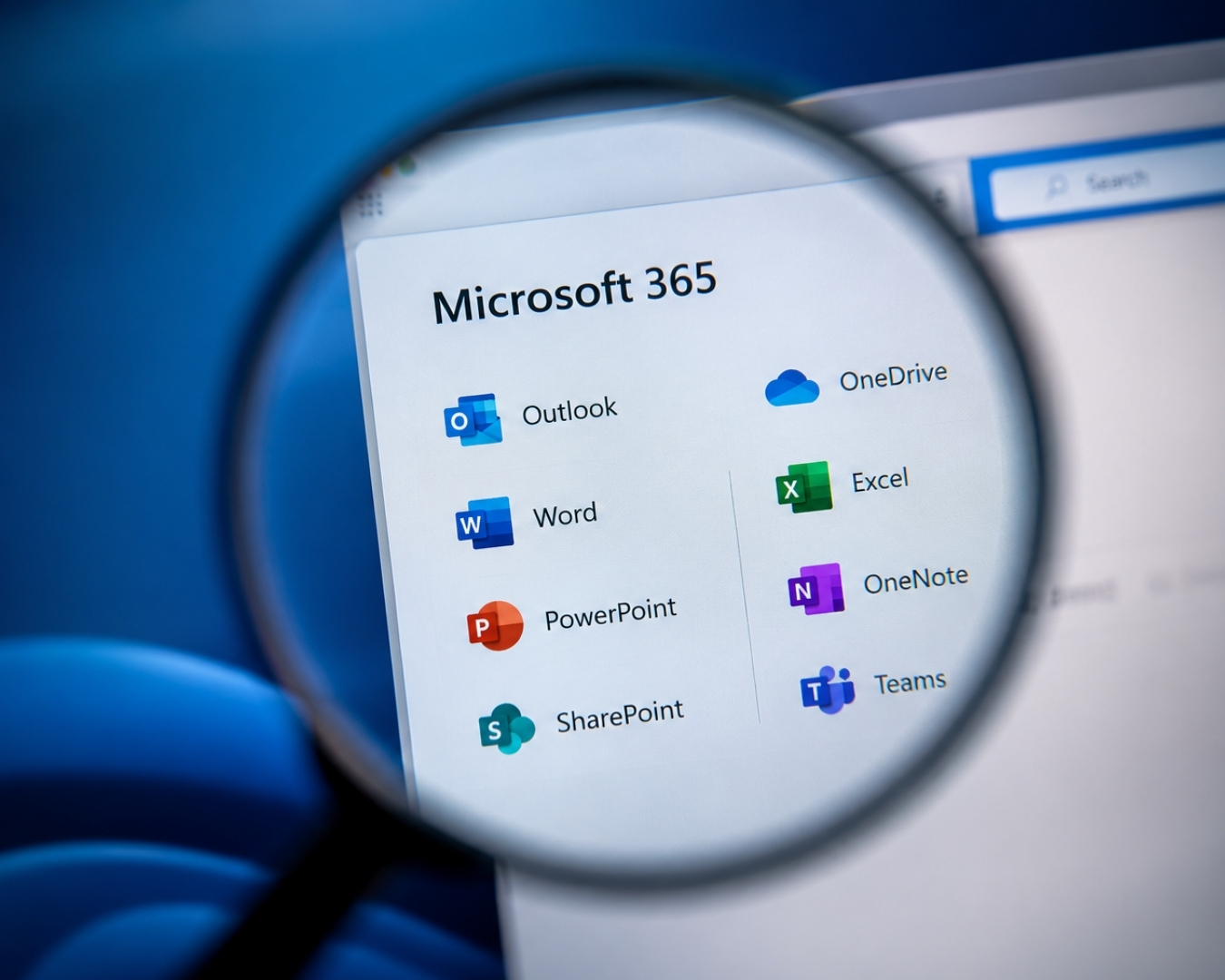
Email, SharePoint, OneDrive and Teams data backed up separately from Microsoft. Most businesses assume Microsoft does this for them. It does not, at least not in the way people expect.

Monitored every day
Failed backup jobs generate an alert to our team, not a line in a report nobody reads. We chase the failure and fix the cause.

Data stored in Australia
Your backups are held in Australian data centres, which matters for privacy obligations, client contracts and anyone asking where your data lives.

Rapid file and full system recovery
Restore a single deleted file, a mailbox, or an entire server, depending on what has gone wrong.